Home » Inkscape Basics » Page 2

by Mike | Jul 24, 2023
Inkscape SHAPE BUILDER Tool Has ARRIVED in Inkscape 1.3! The HIGHLY ANTICIPATED Shape Builder Tool has FINALLY arrived to Inkscape! Inkscape 1.3 was released yesterday, and with it came the Shape Builder tool. This tool, which was made popular by Adobe Illustrator,...

by Mike | Sep 27, 2022
How to Create Arrows in Inkscape In this Inkscape basics tutorial, I take an in-depth look at how to draw arrows using the pen tool and “markers” feature inside the Fill and Stroke dialogue. Arrows are a great way to add eye-catching graphics to your...

by Mike | Sep 6, 2022
Reshow the Inkscape Welcome Window In this Inkscape tutorial I show you how to reshow the welcome window when opening Inkscape for a new session. This welcome window contains convenient features like choosing from a list of premade document templates, canvas and theme...

by Mike | Sep 6, 2022
How to Change Your Document Size in Inkscape 1.2 In this Inkscape basics tutorial, I show you how to resize your document to any dimensions. You can use the default template sizes, or manually set your own document dimensions with these very simple steps. If...
by Mike | Aug 29, 2022
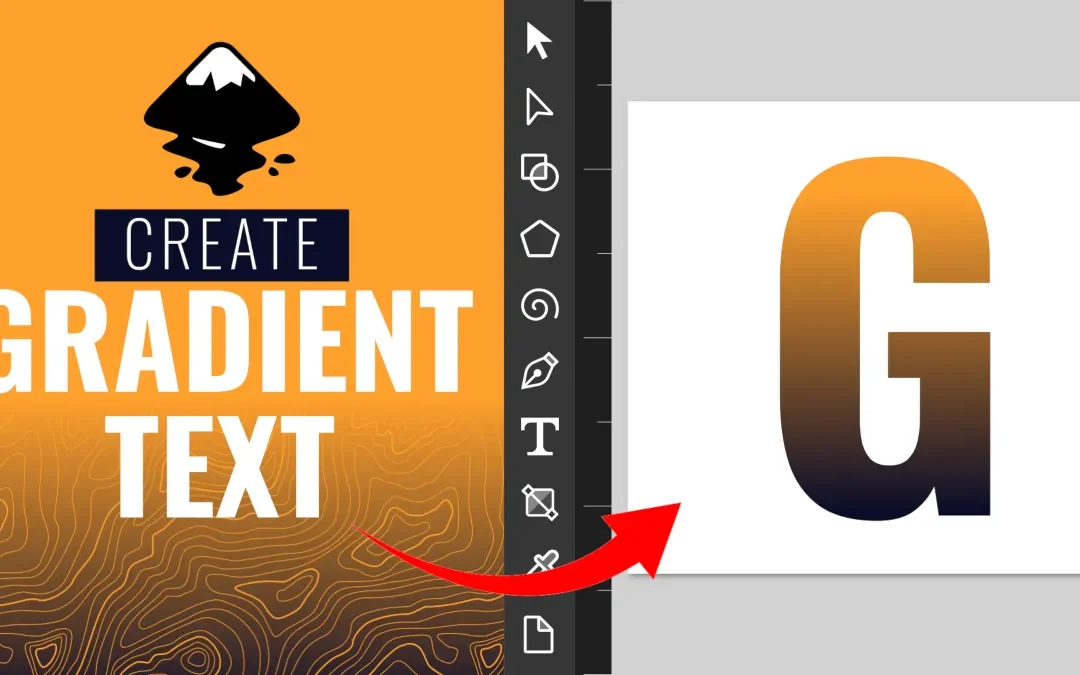
How to Add a Gradient Fill to Text in Inkscape In this Inkscape basics tutorial, I show you how to add a gradient fill to your text to create amazing typography and text effects. I also show you how to add a gradient to the STROKE of your text (yes, you can have...


